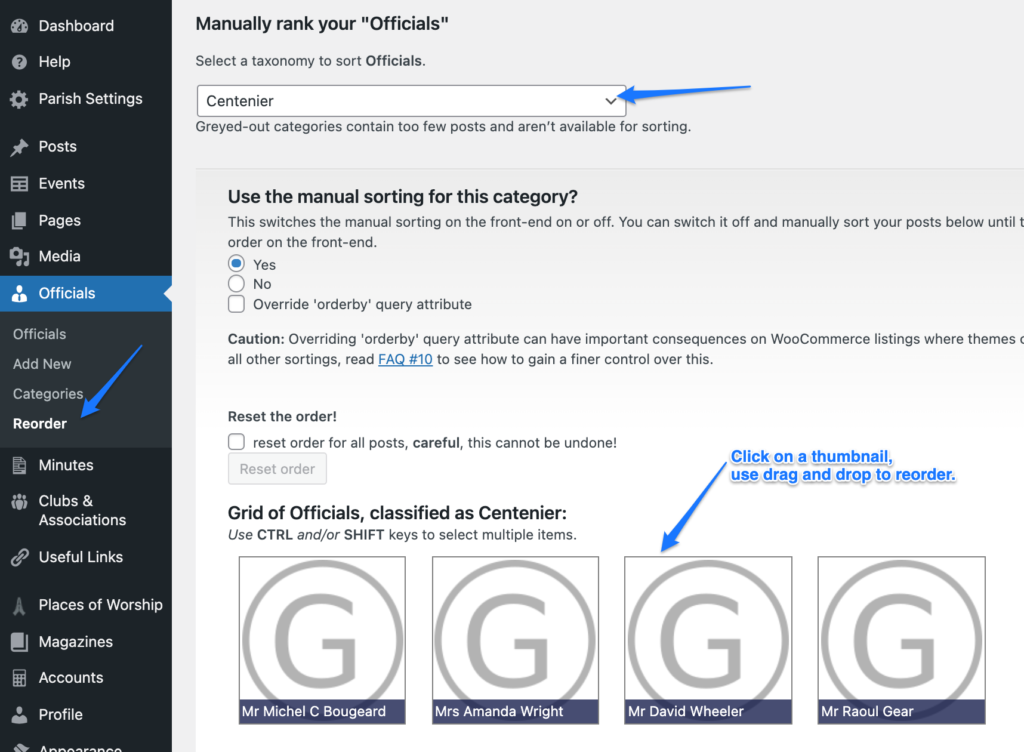
- Login to Parish website and navigate to Officials.
- To add an Official, click on Add New.
- Fill in Official’s name, term dates, contact details.
- Select Official’s category.
- Note! Add the Official to only one category. To add the Official to another category, you’ll need to follow the above steps to add a new Official, with same details, but select a different category.
- Click on Publish.

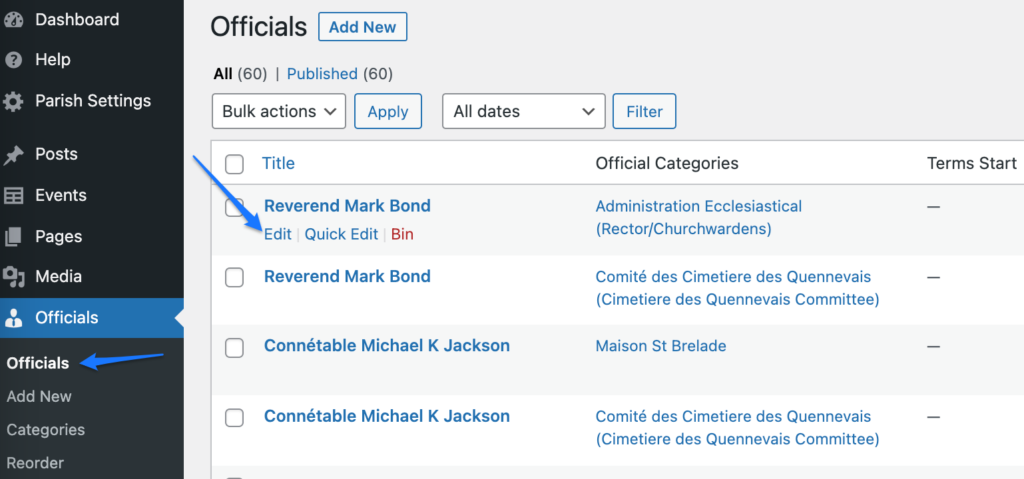
4. To edit an Official, navigate to Officials > Officials.
4. Hover over the name of the Official that you want to update information for, and click on Edit.
Reordering
- To reorder Officials within a category, navigate to Officials > Reorder.
- Select the category the Official is in.
- Click on the thumbnail, drag and drop to reorder.